For SAP · Odoo · Oracle · Dynamics teams
The fastest way to connect AI to your ERP
Connect once and instantly generate AI tools, live dashboards, and controlled business actions from your ERP data — without putting your system of record at risk.
Built-in approvals·Complete audit trails·Enterprise security by default
$0
engineers to hire
One senior integration hire is a six-figure decision. DataTether needs zero.
Same hour
from connection to working AI tools
3 minutes of setup replaces 3 months of custom MCP server development.
Every write
gated behind a named human
Reads flow freely. Mutations wait for one-click approval.
Any AI
one setup, every MCP client
ChatGPT · Claude · Claude Code · Manus · custom agents. One setup. Switch models — zero rebuild.
Now: watch it work
AI fills in the change. DataTether gates it.
Follow a real request end to end — the AI checks the data, calls the tools and fills every field. DataTether holds the write until a person approves.
Switch the scenario — same controls, same audit, same approval flow
"Write off the $50,000 receivable from Apex Industries — they filed Chapter 7. Post against the bad-debt allowance."
read tools — flow through, no approval needed
Checks the data first — calls the read tools for Apex’s open receivables and the bad-debt allowance balance. $50,000 open AR confirmed.
write tool call — fields filled by AI
Calls the journal-entry tool and fills every field: DR 4500-Bad Debt $50,000 / CR 1200-AR Apex $50,000, posting date, reference and memo.
write paused — waiting on approval
Holds the write before it reaches the ERP. Shows the approval card with everything the AI filled (accounts, amount, date, reasoning) and waits for a named person.
"Reviewed. Approve."
transaction posted · audit log written
Releases the write. JE-2024-1182 posts to the ERP. Identity, payload, approver, decision and outcome — all logged.
"Email the audit team and Apex’s account manager that the balance is cleared."
outside DataTether — AI client owns this
Sends both emails through the inbox. DataTether is not in this path — the ERP work is done.
The takeaway: DataTether only steps in when AI tries to change the ERP. Reads, emails and chats flow straight through — no friction, no surprises.
Whatever your role
Built for the team connecting AI to ERP.
Different roles. Same platform. Each persona gets the specific win that matters to them.
SAP Admin / ABAP Developer
Stop clicking through Fiori tiles.
Connect your SAP OData services to Claude and ask questions in plain English. CSRF tokens, OData v2 and v4, cookie auth — handled automatically. No ABAP, no Fiori extension, no infrastructure setup. Sensitive writes pause for your review before execution.
IT Leader / Enterprise Architect
Enterprise AI in hours, not months.
OAuth 2.1 SSO, AES credential encryption, confirmation-gated writes, and full audit logging, built in from day one. AI can read freely; every mutation waits for a named human to approve it. Be the leader who shipped AI to the business without a single incident.
Developer / AI Engineer
Skip the MCP server boilerplate entirely.
Auto-generated typed MCP tools, no-code enrichments, JavaScript transformations, and a drag-and-drop UI builder — all on top of your OData services. Zero boilerplate, zero infrastructure to own.
Consultant / System Integrator
One platform, unlimited clients.
Set up once, then reuse the same configuration for every client — each one in its own isolated workspace. Deploy governed AI integrations without growing your ops team. Partner pricing available.
The payoff: your team sees it live
While AI does the work, your team watches it happen.
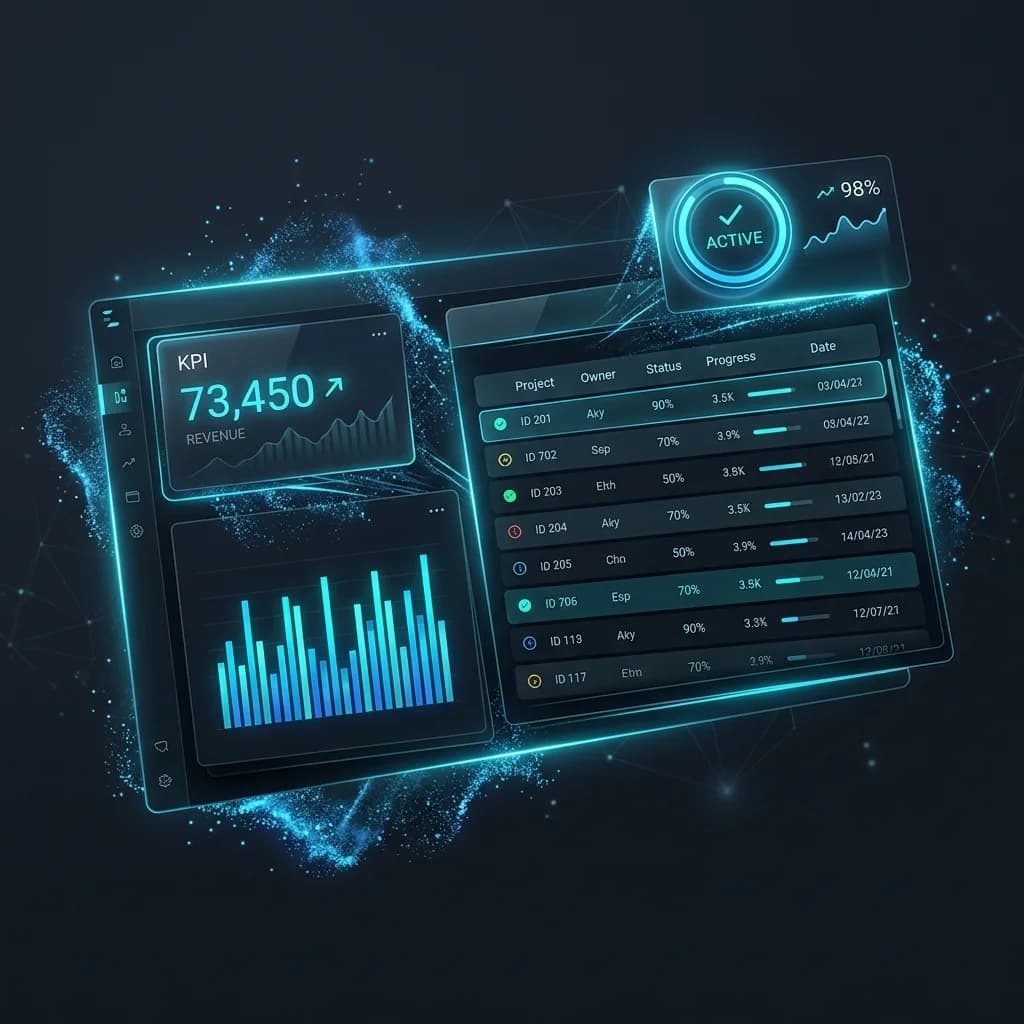
Every read and every approved write shows up in live dashboards, tables, and KPIs — from the same connection.
No separate BI tool, no second integration, no waiting on reports. The moment your ERP is connected, your team has a live window into exactly what AI is acting on — and what it changed.
Then: everything appears
What you get on day one— without a single engineer.
Everything that usually takes months, ready in minutes. No developers, no custom MCP servers, no infrastructure to manage. Connect your ERP and DataTether delivers it.
AI tools, auto-generated
Every AI action your team needs, from reads and searches to updates and approvals, generated automatically from your ERP. No hand-coding each tool.
Dashboards & UI, instant
Live tables, KPI cards, charts, and detail views appear automatically. No frontend developer. No design sprint. No waiting.
Approvals, built in
Every sensitive change waits for a person to review and confirm before anything touches your ERP. Safety by default, not bolted on later.
Zero custom MCP servers
Stop building and maintaining a separate MCP server for every ERP system. One connection replaces months of integration work.
All of it, protected by default
AI helps. Your team decides.Nothing changes without approval.
The #1 concern with AI in enterprise: “Will it break something?” DataTether makes that impossible by design. No extra security layer to build.
AI sees only what you approve
Your team picks exactly which data and actions AI can access. Everything else stays invisible — no code needed to enforce it.
Every change waits for a person
Create, update, delete — nothing reaches your ERP until someone reviews and confirms. Every decision is logged with identity, payload, and outcome. You can answer 'who did what, and when' for any action ever taken.
Writes complete, or nothing is written
A business document is never one record — an order carries line items, schedules, and partners. DataTether writes them together, and if your ERP rejects any part, the whole change is rolled back. No half-created orders, no orphaned records to clean up by hand.
Dashboards stay team-only
Some data appears only in live views for your team. The AI never touches it. No custom access layer to build.
Credentials never leave your control plane
DataTether holds your ERP credentials inside the boundary you set; AI clients never see them. Rotate keys, revoke access, or pause a workflow without leaving the platform.
Your ERP authorization, reused as-is
Every AI request uses the ERP credentials you set on the connection. The roles and permissions your ERP already enforces stay in charge, so there is no second access system to maintain. AI can never do more than those credentials allow, and you narrow it further by choosing which tools to expose.
FAQ
Frequently Asked Questions
Do you store our ERP data?
DataTether acts as a secure broker between your AI client and your ERP. Your business records are not warehoused on our platform, and your data is never used to train AI models. Each request goes to your ERP at execution time. Credentials are stored encrypted, and operational logs are kept for auditing and support.
What happens if the MCP specification changes?
Our platform abstracts the underlying protocol layer. If the MCP specification updates, we update the platform to ensure continuous compatibility without requiring changes to your connections.
Does this require native ERP vendor certification?
No. DataTether uses standard OData protocols to communicate with your ERP, avoiding the need for proprietary vendor certifications or complex custom installations within the ERP itself.
Can we review AI actions before they are executed?
Yes! DataTether includes built-in approval gates. You can require human confirmation for sensitive operations, complete with full audit trails of who approved what and when.
Start today
Everything you need is already in your ERP.Let AI put it to work for your team — safely, with DataTether.
15 free days. One connection. Live before tomorrow's standup.
Connect one service and watch the tools, dashboards, and approval gates appear. You'll know whether DataTether fits your operation before you finish a coffee.
Months of dev time eliminated
Auto-generated tools replace weeks of custom MCP server development.
No infrastructure to run
Fully managed. Nothing to install, host, or maintain.
Instant dashboards and UI
Live tables, KPIs, and review screens — no frontend developer needed.
One setup, every AI client
ChatGPT, Claude, Manus, custom agents — all from the same connection.
A good first step is small: one service, one user outcome, one visible control boundary.
Go live in minutes