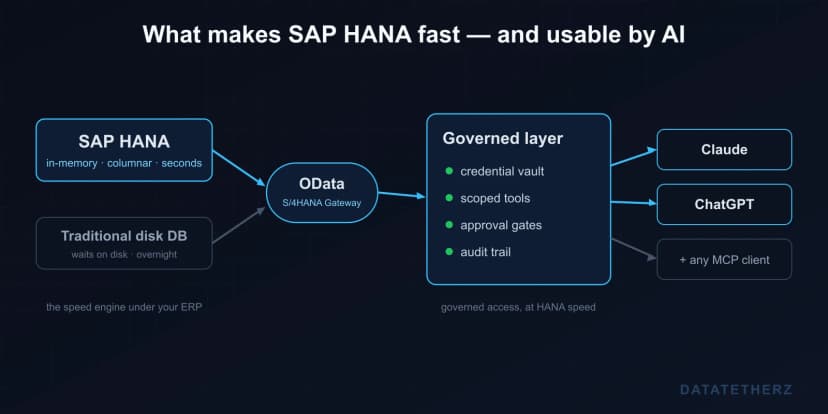
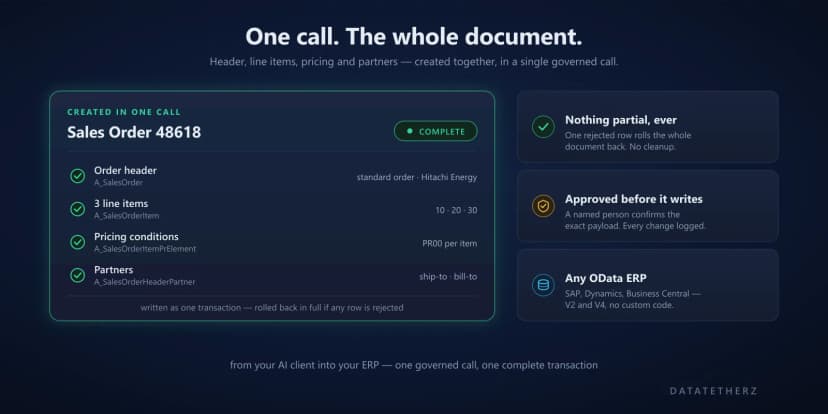
There's a quiet failure mode for enterprise AI that has nothing to do with the model's intelligence: it's slow. Ask an assistant a question that spans a lot of records — open invoices across regions, stock levels across warehouses — and if the answer takes thirty seconds, people stop asking. A tool that isn't fast enough to interrupt a train of thought doesn't get used, no matter how good its answers are.
Over real ERP data, that speed problem is mostly an architecture problem.
Why naive tool calling gets slow
When an AI client needs data from several places, the simple approach is to call one tool, wait, call the next, wait, and so on. Each round trip adds latency, and the model is idle between them. Do that across a handful of entities and a question that should take a moment instead takes most of a minute.
Worse, an unoptimized integration often pulls back more than it needs — full record sets where a filtered slice would do — so each call is both serial and heavy.
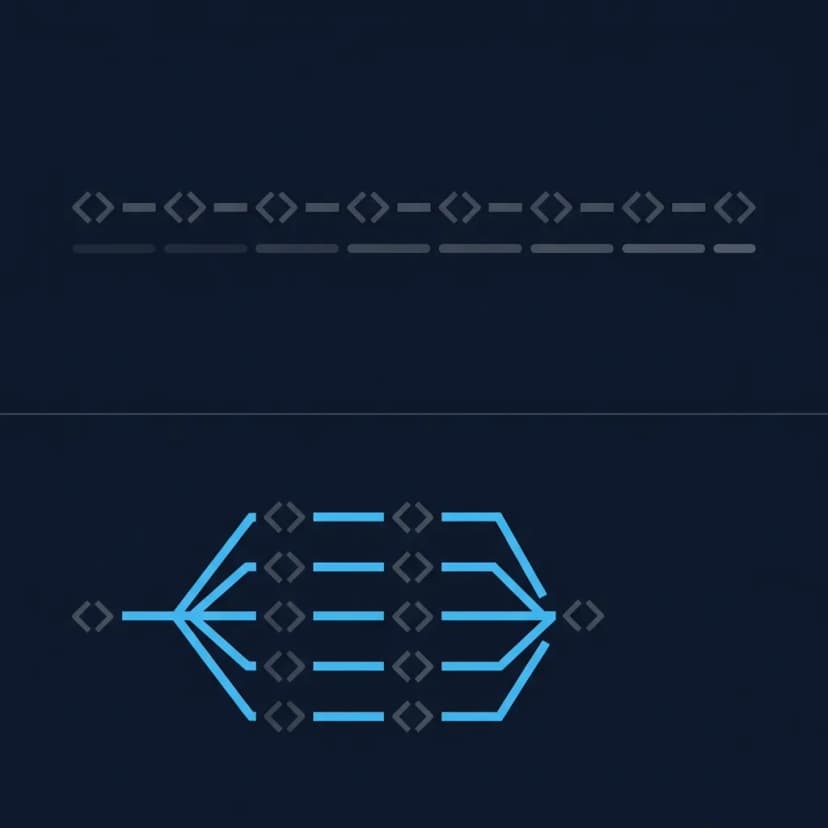
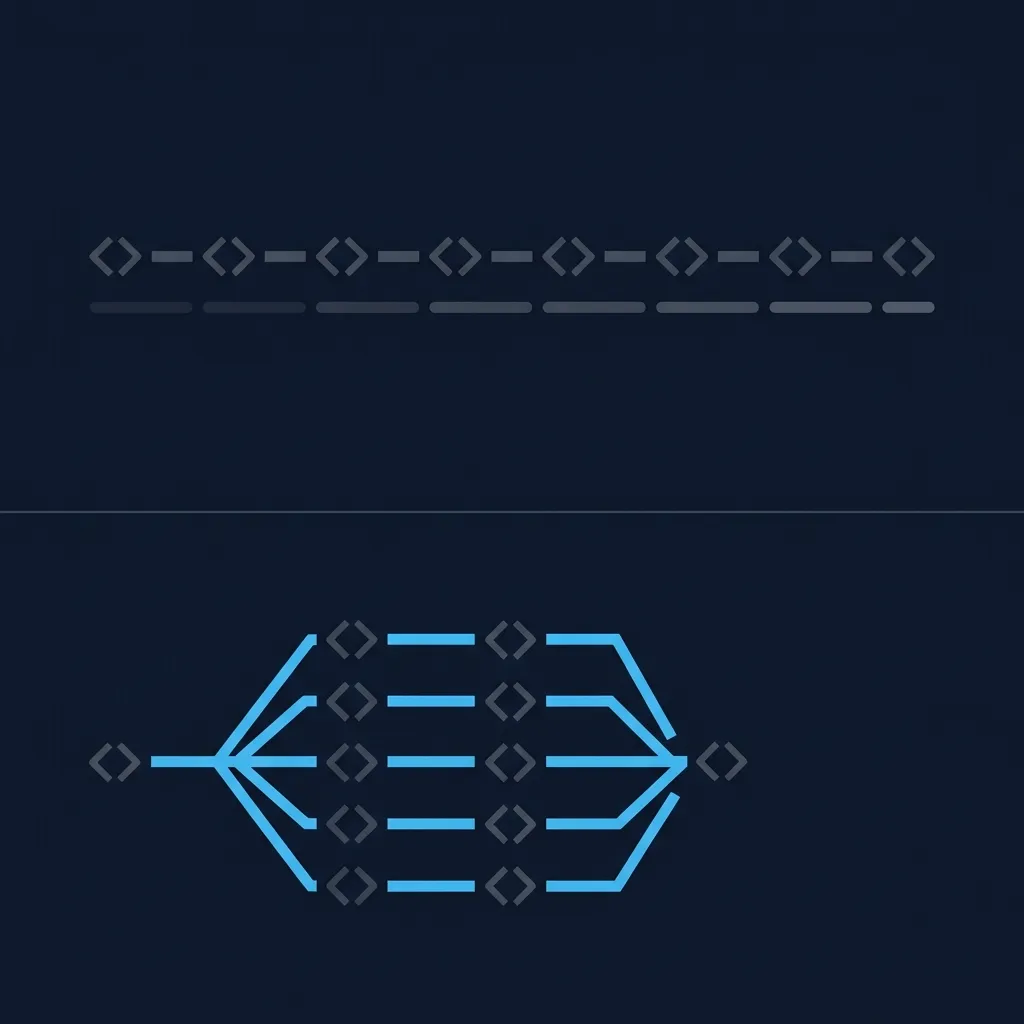 Serial versus parallel data loading — sequential calls accumulate delay while parallel calls complete together
Where the speed comes from
Keeping an assistant responsive over large datasets comes down to two things working together:
- Parallel tool calls. When several reads don't depend on each other, run them at the same time instead of one after another. The slow step becomes the slowest single call, not the sum of all of them.
- Optimized data loading. Fetch the fields and rows the answer actually needs, page through large sets sensibly, and shape the data before it travels — so each call is lean.
Neither is glamorous, and that's the point. This is the kind of work that doesn't show up in a demo over a tiny sample dataset, then becomes the whole experience once real volumes are involved.
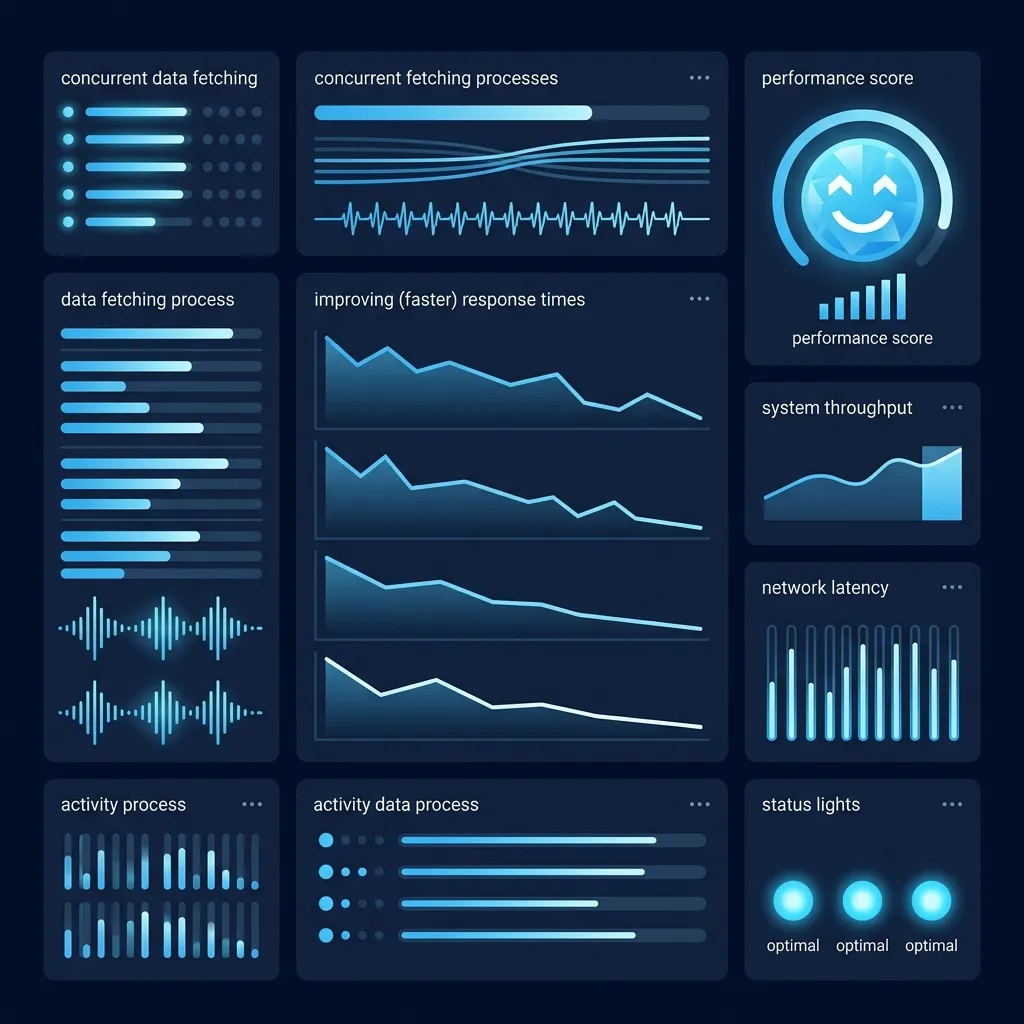 Performance monitoring showing fast concurrent data fetches completing simultaneously
Why it matters more than it sounds
Performance isn't a vanity metric here — it's adoption. The difference between a two-second answer and a thirty-second one is the difference between a tool your team reaches for and one they quietly abandon. When you're connecting AI to systems with serious data behind them, "fast enough to keep using" is a feature you have to design for, not one you get for free.
This is one of the reasons getting to production-grade deployment matters — performance at real scale can't be faked in a demo. See how DataTether handles this in the platform features, or get started to test it against your own data.

 architecture